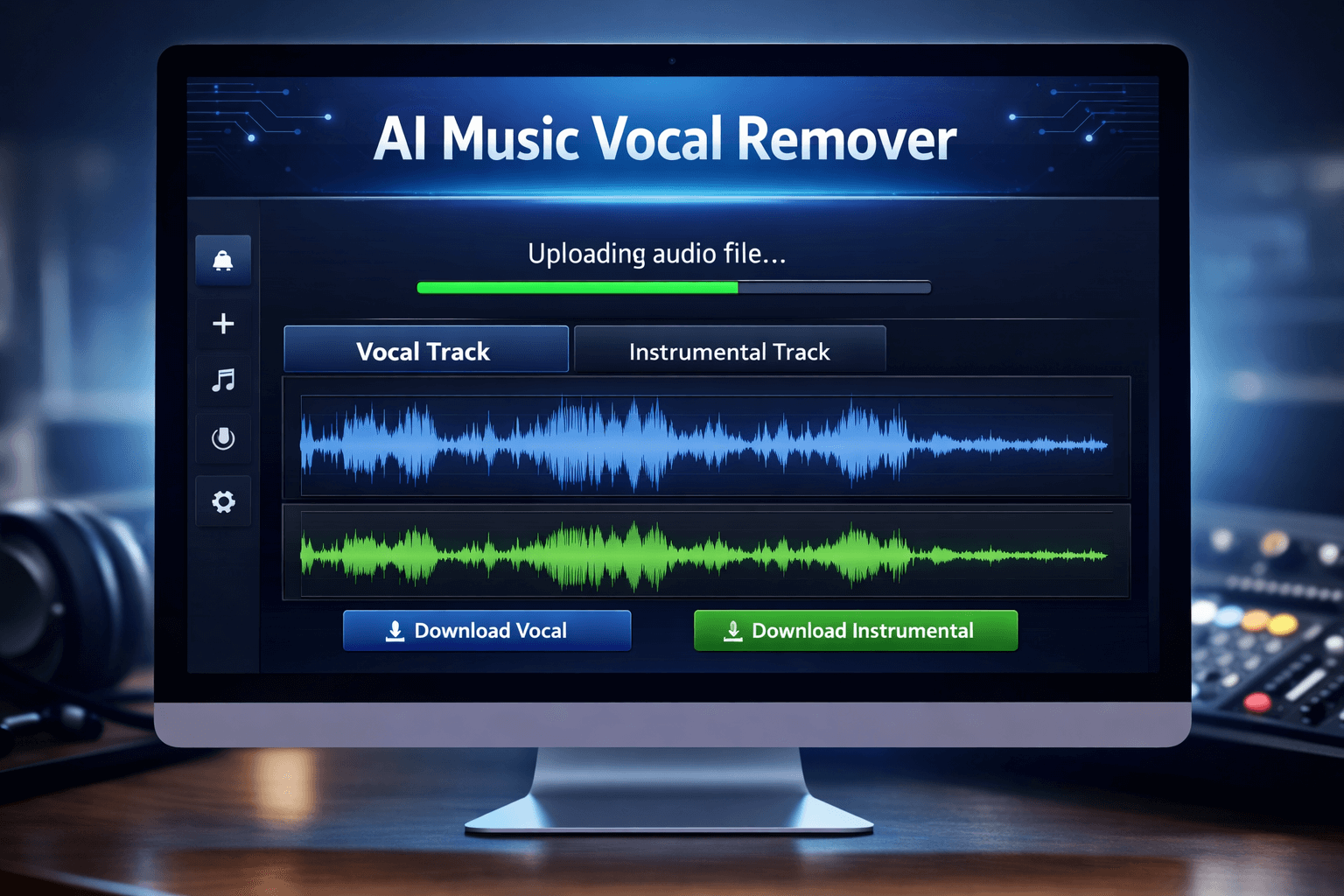
Music production and audio editing have changed dramatically with the help of artificial intelligence. In the past, separating vocals from a song required professional studio software and advanced audio engineering skills. Today, anyone can separate vocals and instrumental online in just a few minutes using modern AI-powered tools.
This technology allows users to isolate the singer’s voice or remove it completely from a track. As a result, you can create karaoke versions, remix music, analyze vocals, or produce creative audio content without complex editing software.
In this guide, we will explain how vocal separation works, how you can separate vocals and instrumentals online step by step, and how to get the best results from AI audio tools.And also You can easily process your audio using our AI vocal remover online tool.
Understanding Vocal and Instrumental Separation
Behind every song are dozens of individual sound layers working together — lead vocals, harmonies, drums, bass lines, guitar riffs, and much more. What sounds like one track is actually a carefully mixed collection of separate recordings.
Modern AI vocal removers work by scanning the audio spectrum of a song and identifying which frequencies belong to the human voice versus which belong to instruments. This process — called source separation — has become surprisingly accurate in recent years.
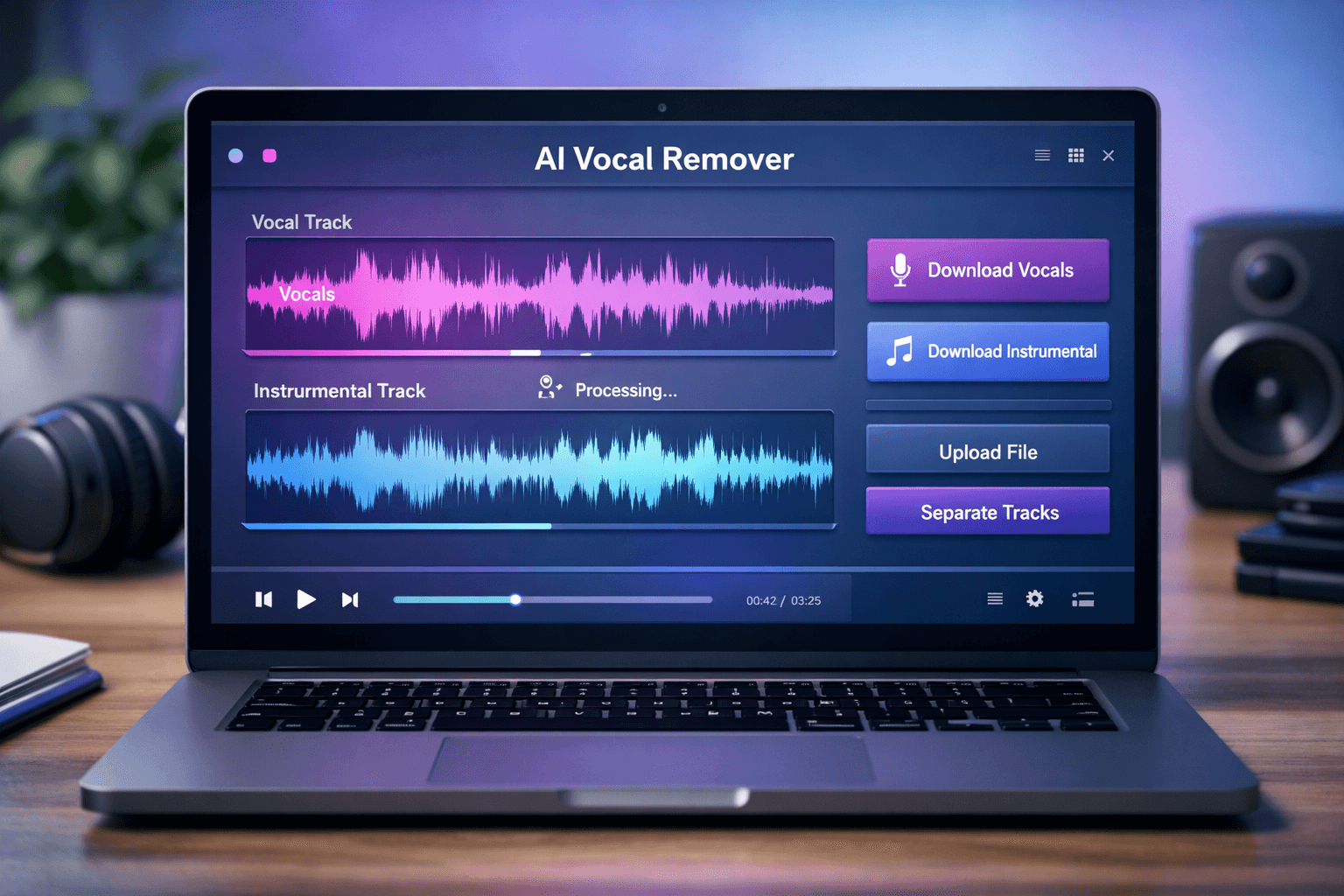
After processing, you get two separate audio files — one containing only the vocals, and another with just the instrumental. You can use these tracks for remixing, karaoke practice, or audio editing projects.
How AI Technology Makes Vocal Separation Possible
Modern AI vocal remover tools rely on deep learning models that have been trained on thousands of songs. These models learn how vocals and instruments behave across different audio frequencies.
When you upload a song, the AI performs several actions:
- It scans the entire waveform of the audio.
- It identifies vocal frequencies and harmonic patterns.
- It separates the vocal layer from the instrumental background.
This process happens automatically in the cloud, which is why users can separate vocals and instrumental online without installing any software.
Who Uses Online Vocal Separation Tools?
AI vocal separation is useful for many types of users.
Singers and Music Students
Singers often need instrumental tracks to practice their vocals. Removing the original singer helps them rehearse with clean music.
DJs and Remix Artists
DJs frequently extract vocals from songs so they can mix them with new beats or create mashups.
YouTube Content Creators
Content creators sometimes isolate vocals for voice analysis, commentary, or creative edits.
Music Producers
Producers use separated audio tracks to study arrangement patterns or experiment with remixes.
Step-by-Step Method to Separate Vocals and Instrumental Online
Using an online AI vocal remover is extremely simple. You only need a few clicks to process an audio file.
Step 1: Choose an AI Vocal Separation Tool
First, open an AI-powered vocal remover tool in your browser. Most modern tools work on desktop and mobile devices.
These platforms usually support common audio formats such as:
- MP3
- WAV
- FLAC
- AAC
Step 2: Upload the Song File
Click the upload button and select the song from your device. Once the file is uploaded, the system will start analyzing the audio automatically.
The analysis time depends on the file length, but most tools process songs within a minute.
Step 3: AI Separates the Audio Layers
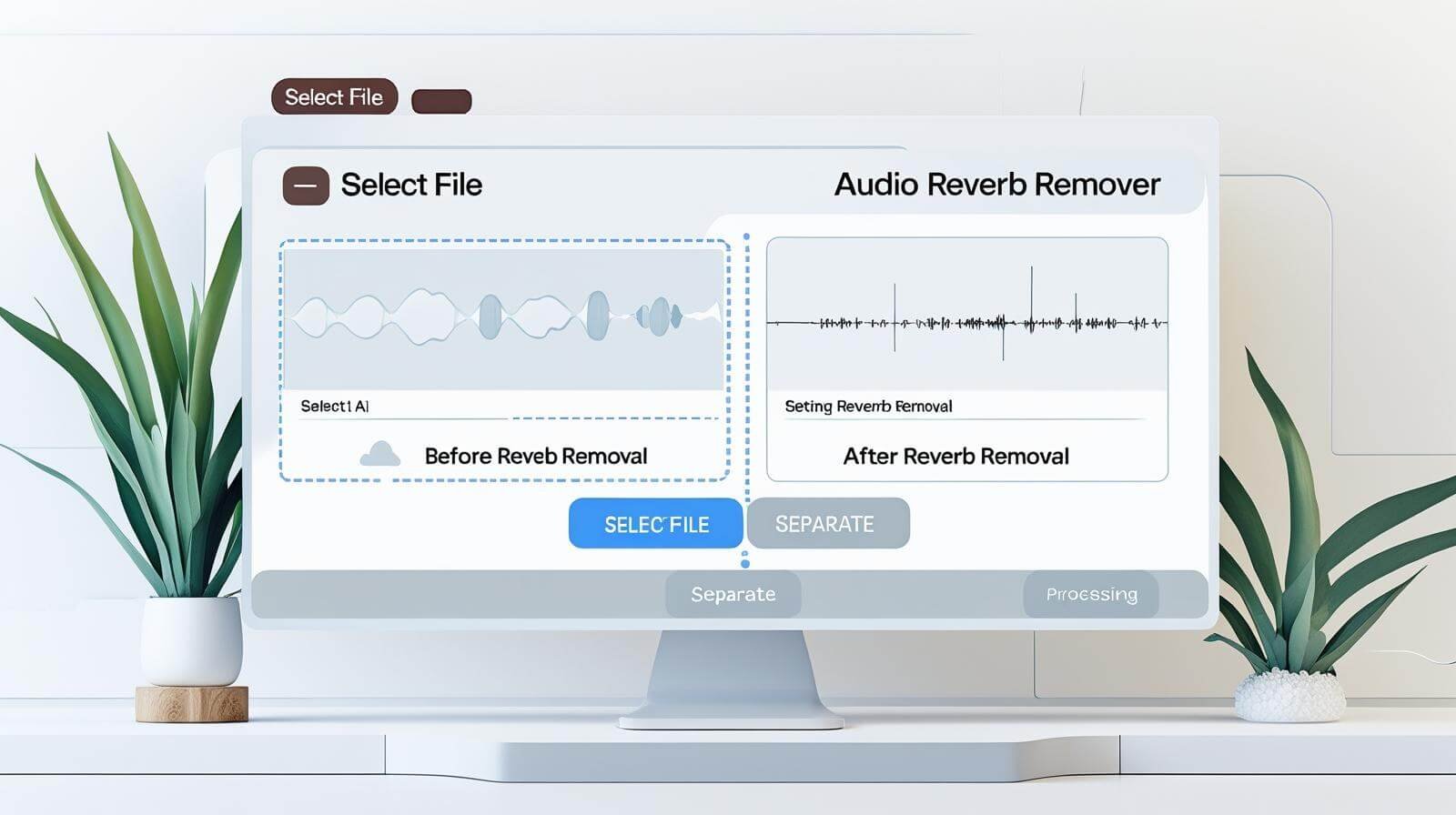
During processing, the AI detects different sound components within the track. It separates the vocal frequencies from the rest of the music and can also help remove background effects like echo or reverb. If your recording contains unwanted echo, you can also learn how to remove reverb from audio using modern AI audio tools.
This stage is fully automated and does not require manual editing.
Step 4: Preview the Results
After processing is complete, the tool generates two separate tracks.
You can listen to:
- The isolated vocals
- The instrumental version
Previewing the results allows you to check the separation quality before downloading.
Step 5: Download the Final Audio Files
Once you are satisfied with the output, simply download the tracks to your device.
These files can then be used for karaoke, remixing, or audio production projects.
Advantages of Separating Vocals Online Instead of Using Software
Online AI tools have several advantages compared to traditional audio editing software.
Quick and Accessible
You can process songs directly in your browser without installing large audio programs.
Beginner Friendly
Most online tools are designed for beginners. The interface usually requires only file upload and download.
AI-Powered Accuracy
AI models are capable of detecting vocal frequencies very precisely, which improves the clarity of instrumental tracks.
Works on Any Device
Since the processing happens online, you can use the tool on laptops, tablets, or smartphones.
Tips to Improve Vocal Separation Quality
Even though AI tools are powerful, following some best practices can improve the results.
Upload High Bitrate Audio
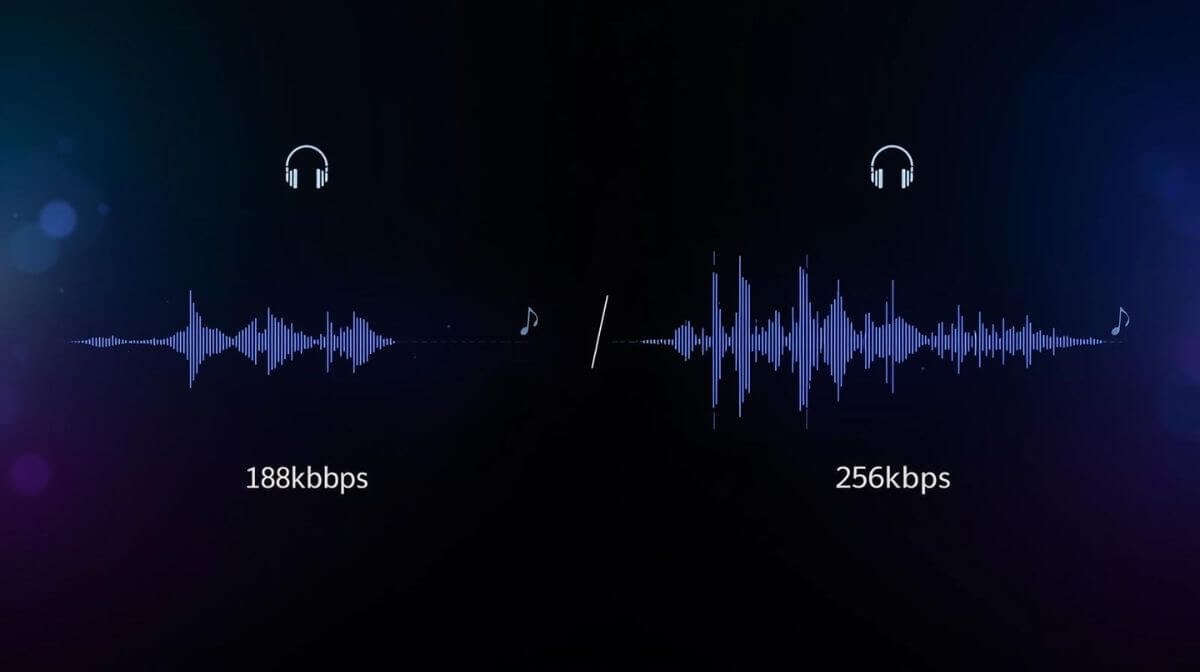
Higher bitrate files provide clearer sound information, which helps AI separate vocals more accurately.
Avoid Low Quality Downloads
Songs downloaded from low-quality sources often contain compression artifacts that reduce separation quality.
Use Original Audio Files
Whenever possible, upload the original track rather than a re-recorded or heavily edited version.
Creative Ways to Use Separated Vocals and Instrumentals
Once you extract the tracks, you can use them in many creative ways.
Karaoke Creation
Instrumental tracks are perfect for karaoke practice or live performances.
Vocal Sampling
Producers sometimes use isolated vocals to create new beats or experimental music.
Educational Purposes
Music students can study vocals separately to understand pitch, tone, and phrasing.
Audio Editing Projects
Separated tracks can be edited, remixed, or enhanced using music production software.
Final Thoughts
Artificial intelligence has made professional audio editing accessible to everyone. With the help of modern tools, you can easily separate vocals and instrumental online in a matter of seconds.
Whether you are a singer, DJ, music producer, or content creator, vocal separation tools provide a fast and convenient way to work with music tracks. Instead of complicated editing software, AI now allows anyone to isolate vocals or instrumentals with just a few clicks.
As AI audio technology continues to evolve, online vocal separation tools will become even more accurate and powerful, making music editing easier than ever before.
Frequently Asked Questions
How can I separate vocals and instrumental online?
You can separate vocals and instrumental online using an AI vocal remover tool. Simply upload your audio file, and the AI will automatically split the vocals and background music into separate tracks within seconds.
it possible to extract vocals from a song for free?
Yes, many AI tools allow you to extract vocals from songs for free. These tools analyze the audio and isolate the vocal track from the instrumental music.
What audio formats are supported for vocal separation?
Most AI vocal remover tools support common audio formats such as MP3, WAV, FLAC, and M4A, allowing users to upload and process their songs easily.
Can I use separated instrumentals for karaoke or remixing?
Yes, once the vocals are removed, the instrumental track can be used for karaoke practice, music remixing, DJ sets, and content creation.
Frequently Asked Questions
How can I separate vocals and instrumental online?
You can separate vocals and instrumental online using an AI vocal remover tool. Simply upload your audio file, and the AI will automatically split the vocals and background music into separate tracks within seconds.
Is it possible to extract vocals from a song for free?
Yes, many AI tools allow you to extract vocals from songs for free. These tools analyze the audio and isolate the vocal track from the instrumental music.
What audio formats are supported for vocal separation?
Most AI vocal remover tools support common audio formats such as MP3, WAV, FLAC, and M4A, allowing users to upload and process their songs easily.
Can I use separated instrumentals for karaoke or remixing?
Yes, once the vocals are removed, the instrumental track can be used for karaoke practice, music remixing, DJ sets, and content creation.