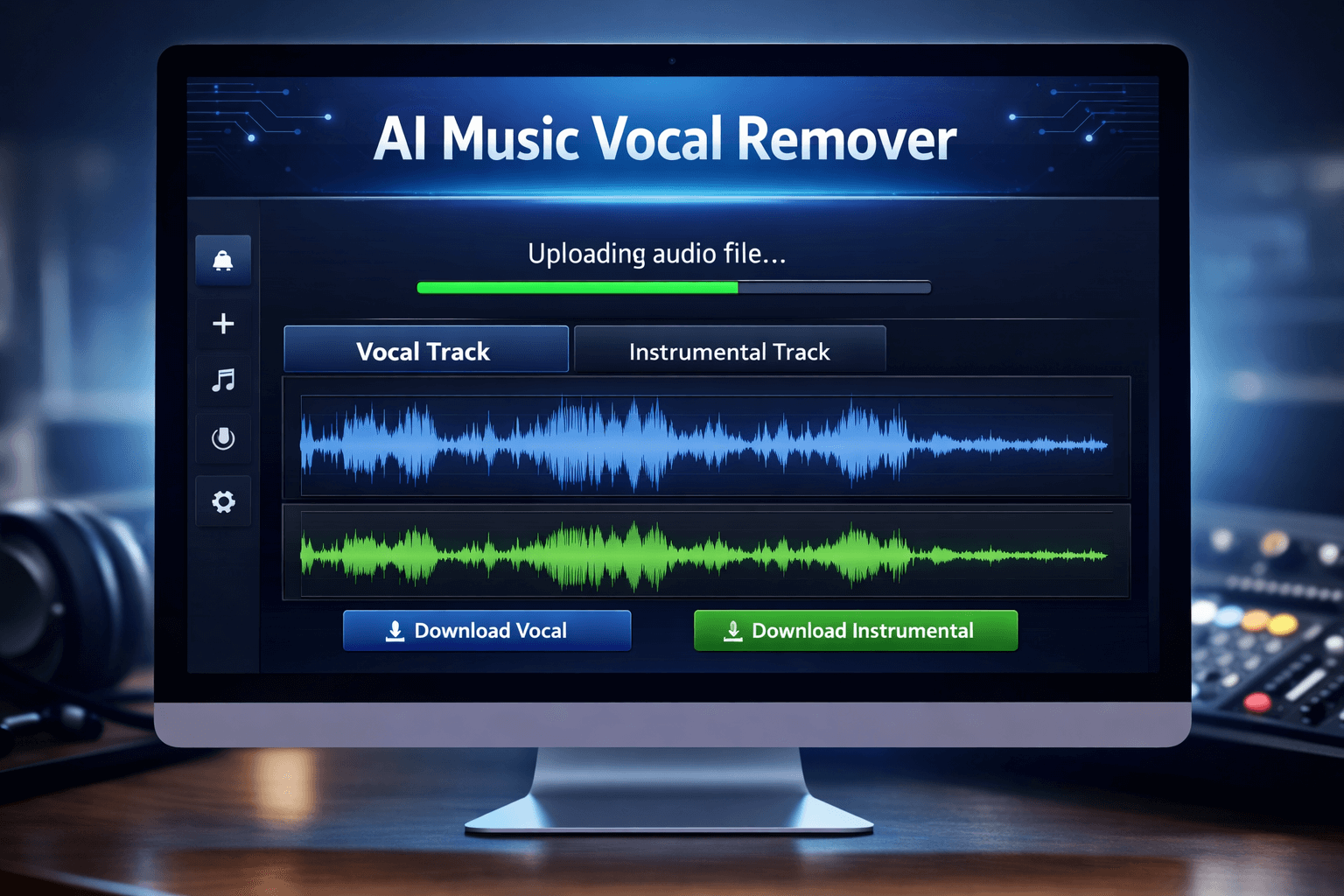
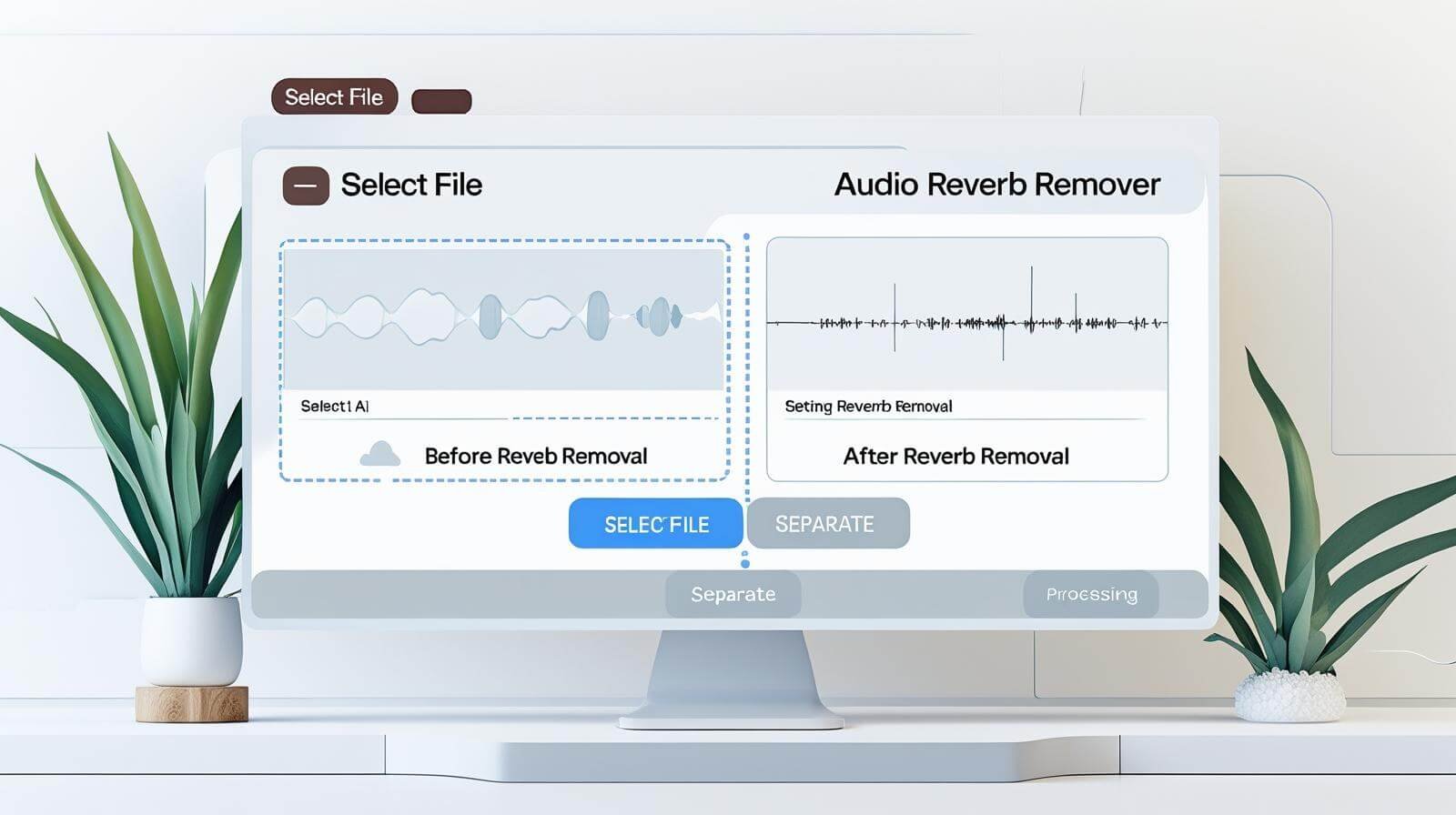
Audio can sound distant, echoey, and amateurish when reverb is used. Reverb frequently becomes an issue when recording music, podcasts, interviews, or vocals in a space without adequate sound treatment. The good news is that AI-powered tools like the one on BeatScoop have made it simple to remove reverb from audio.
This guide will explain what reverb is, why it occurs, and how to use an AI reverb remover tool to remove reverb from audio step-by-step.
What is Reverb in Audio?
The reflection of sound waves from surfaces such as walls, ceilings, and floors is known as reverb, or reverberation. Reverb is the echo-like effect produced when sound reflects several times before it reaches the microphone.
Reverb can make audio sound:
- Distant
- Echoey
- Unclear
- Less professional
This is common when recording in empty rooms, large halls, or untreated spaces.
Why Removing Reverb is Important
Removing reverb improves the clarity and quality of your audio. Clean audio is important for:
- Podcasts
- YouTube videos
- Music recordings
- Interviews
- Voiceovers
- Online courses
Clear audio helps listeners understand speech better and makes your content sound professional.
How to Remove Reverb from Audio Using BeatScoop Tool
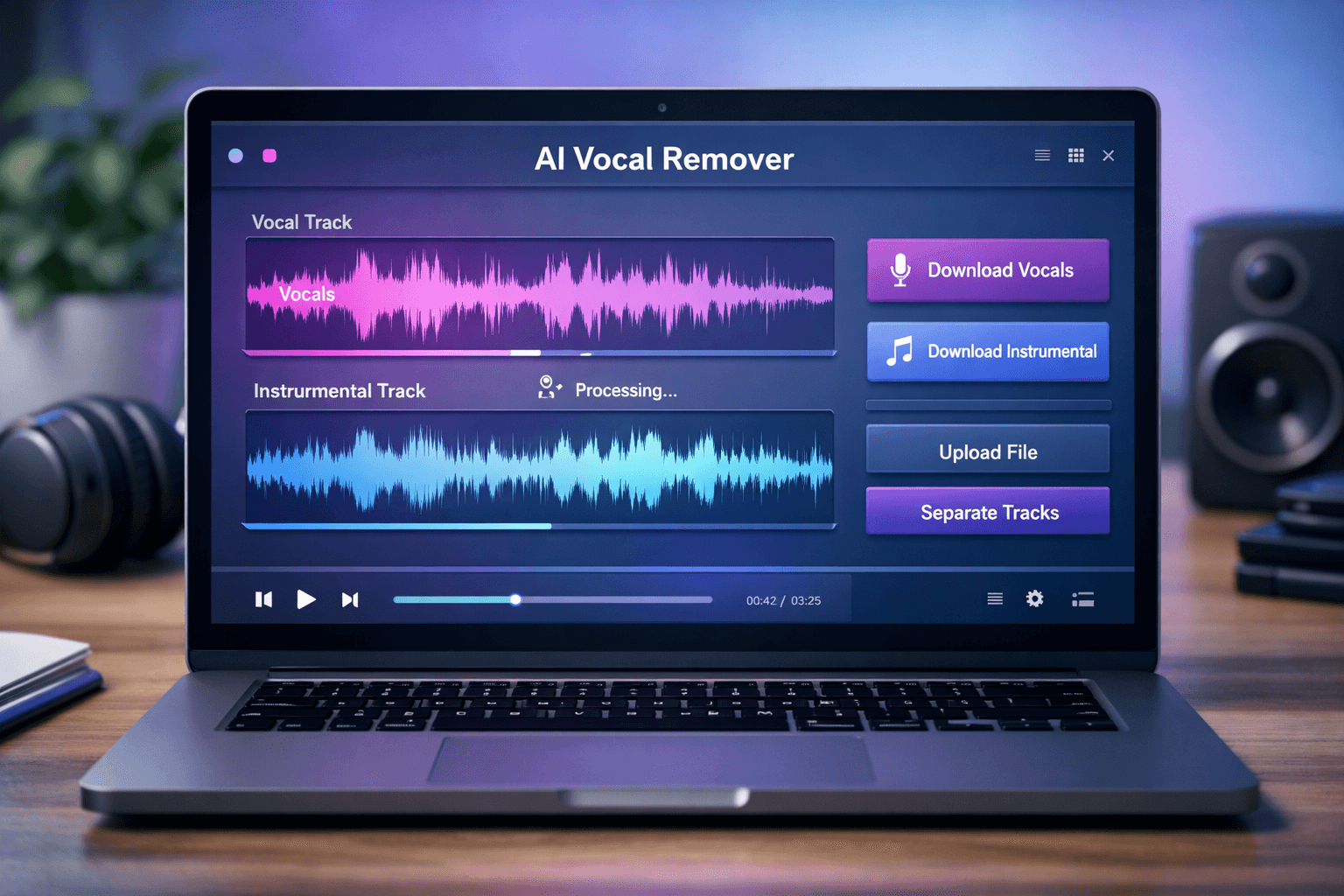
You can easily remove reverb from audio using the BeatScoop AI audio separation tool. Follow these simple steps:
Step 1: Open the Reverb Removal Tool
Open the audio separation tool on the BeatScoop website. The application automatically separates and cleans audio components using AI technology.
Step 2: Upload Your Audio File
Click on the Upload File button and select your audio file.
Supported formats include:
- MP3
- WAV
- M4A
- FLAC
Make sure your file is clear and not corrupted.
Step 3: Select Separation Type
Choose the appropriate separation option depending on your need.
For example:
- Vocal separation
- Instrument separation
- Audio cleaning
This helps the AI focus on removing unwanted effects like reverb.
Step 4: Click on Separate Button
Click the Separate button to start processing.
The AI will:
- Analyze your audio
- Detect reverb
- Clean and separate sound
Processing usually takes a few seconds.
Step 5: Download Clean Audio
Once processing is complete, download the cleaned audio file.
Your new audio will sound:
- Clearer
- More professional
- Less echoey

How AI Removes Reverb from Audio
AI analyzes audio frequencies using sophisticated algorithms to distinguish undesired reflections from the main sound.
AI is able to recognize:
- Voice signal directly
- Background sounds
- Reflections and echo
The original voice quality is then maintained while undesired reflections are eliminated.
Because of this, AI is far more efficient than conventional techniques.
Manual vs AI Reverb Removal
There are two main ways to remove reverb:
Manual Method
Manual removal requires software like:
- Audacity
- Adobe Audition
- FL Studio
Problems with manual method:
- Requires technical skills
- Takes more time
- Difficult for beginners
AI Method (Recommended)
AI tools like BeatScoop make reverb removal easy.
Benefits of AI method:
- Fast processing
- Easy to use
- No technical skills needed
- Better results
This is the best option for beginners and professionals.
When Should You Remove Reverb?
You should remove reverb when:
- Recording in untreated rooms
- Recording podcasts
- Recording YouTube videos
- Recording vocals
- Recording interviews
Clean audio improves listener experience.
Common Causes of Reverb
Reverb happens due to:
- Empty rooms
- Hard walls
- Large spaces
- No sound treatment
- Cheap microphones
Understanding the cause helps prevent future issues.
Tips to Prevent Reverb During Recording
Prevention is better than fixing later.
Follow these tips:
- Record in smaller rooms
- Use soft materials like curtains
- Use foam panels
- Use a good microphone
- Record closer to microphone
These steps reduce reverb naturally.
Who Should Use AI Reverb Remover
AI reverb remover is useful for:
- YouTubers
- Podcasters
- Musicians
- Students
- Content creators
- Voiceover artists
Anyone who wants clean audio can use it.
Benefits of Removing Reverb from Audio
Removing reverb provides many benefits:
- Better sound clarity
- Professional audio quality
- Improved listener experience
- Better YouTube and podcast quality
- More professional music production
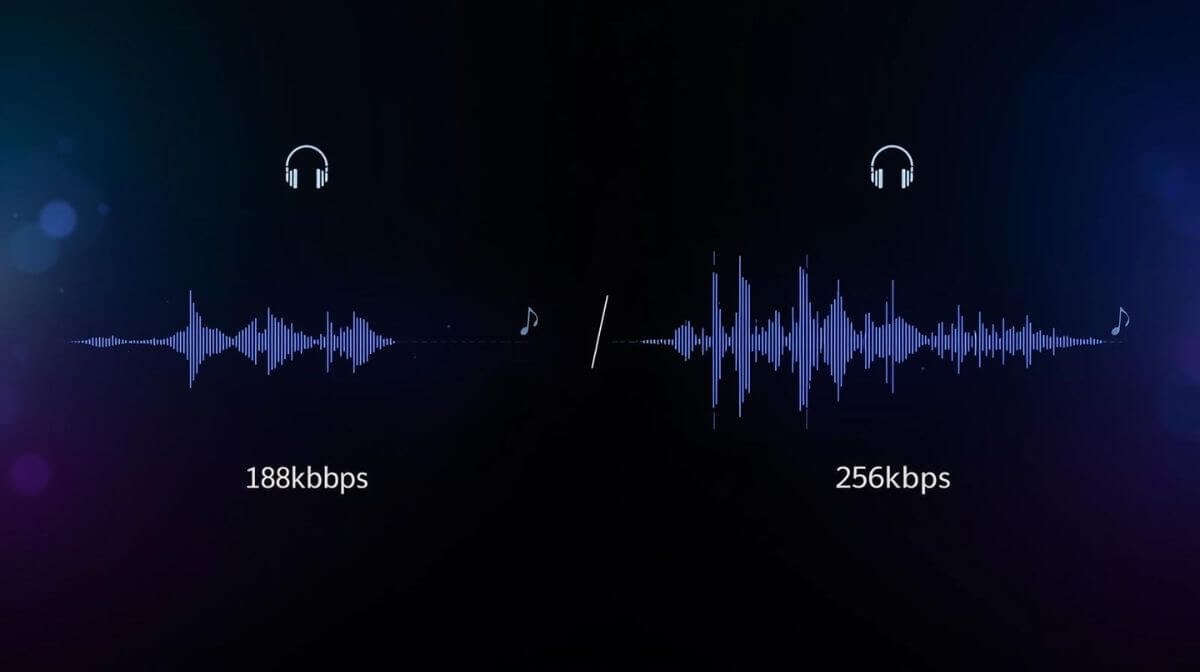
Clean audio improves overall content quality, and understanding the difference between 128 kbps vs 256 kbps can help you choose the best sound for your projects.
Why BeatScoop AI Tool is a Good Choice
BeatScoop offers an easy and fast way to remove reverb.
Key benefits:
- AI powered tool
- No login required
- Fast processing
- Easy to use
- No technical skills required
- High quality output
This makes it ideal for beginners and professionals.
Final Thoughts
Reverb can lower the quality of your audio and give it an amateurish sound. Thankfully, reverb can be easily eliminated from audio with a few clicks thanks to AI tools like BeatScoop.
Just choose the separation type, upload your file, and download clean audio. This enhances clarity and gives your audio a polished sound.
AI reverb removers are the simplest and best way to clean audio in 2026.