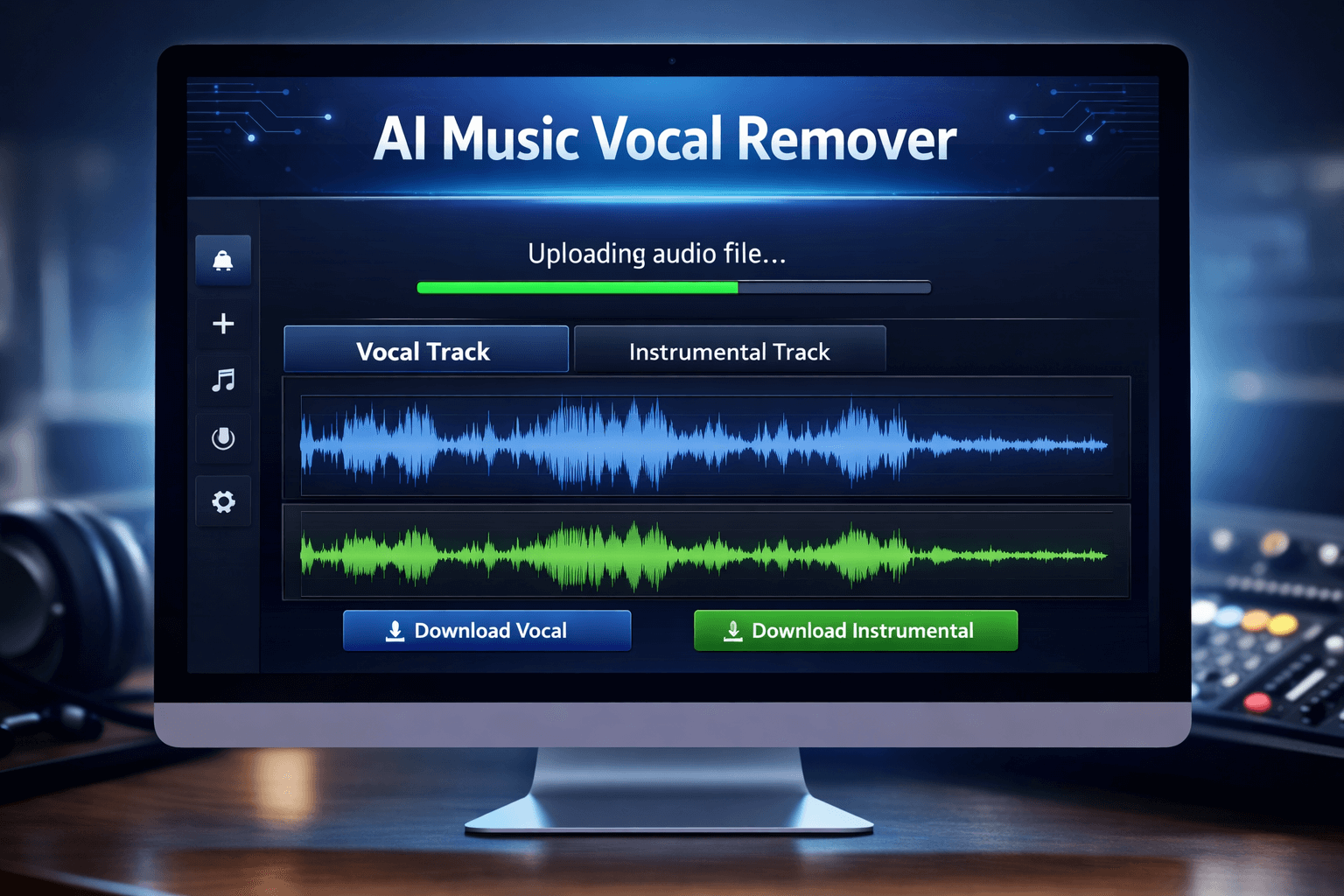
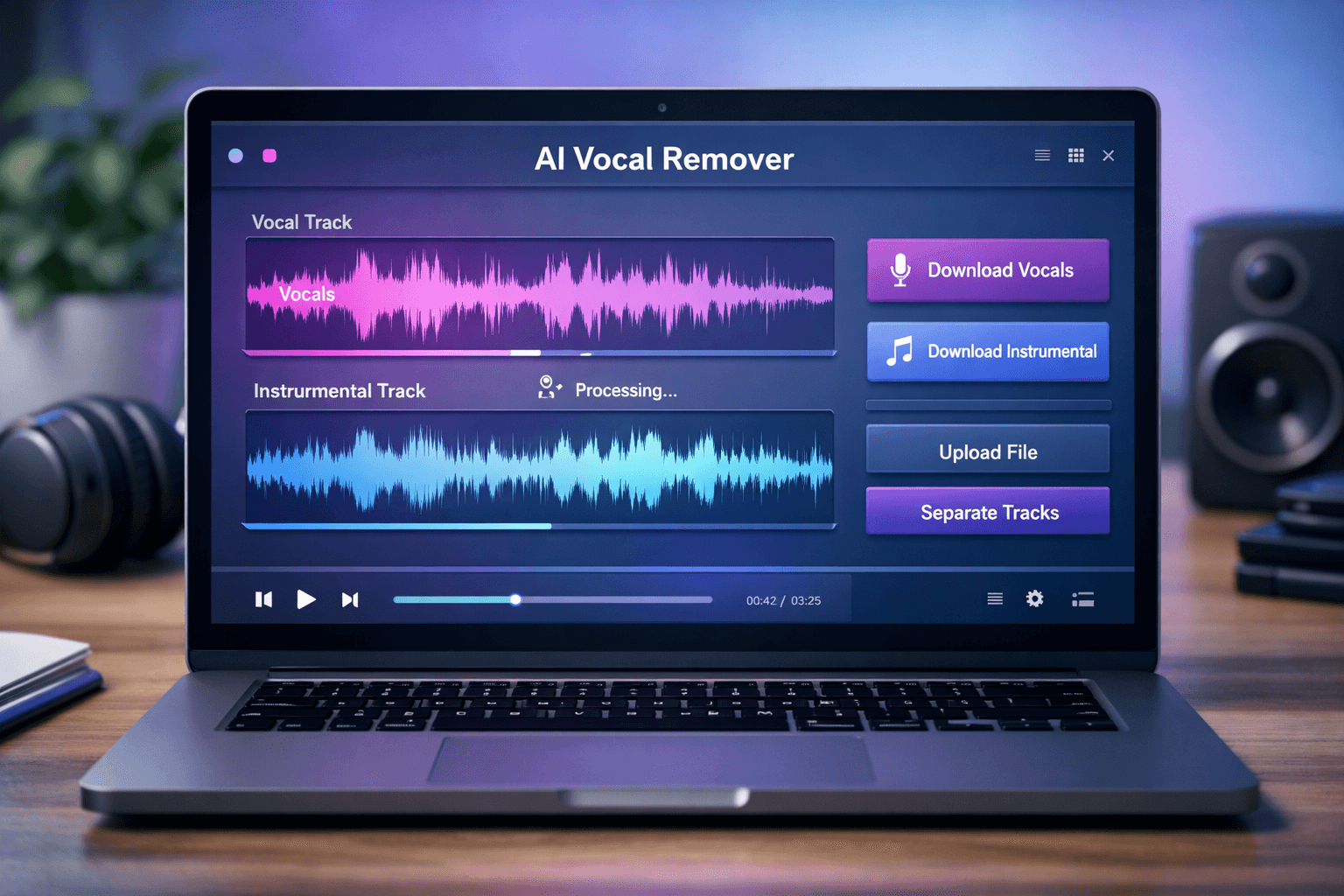
Remove vocals from song online has become easier than ever for music creators, singers, DJs, and content producers who need instrumental versions of songs. Whether you want to practice singing, remix music, or create karaoke tracks, this process can save time and effort while delivering high-quality instrumental results.
Vocal removal used to require technical expertise and specialized audio editing software. Anyone can now instantly distinguish between instrumental and vocal tracks using sophisticated AI technology, right from a web browser.
This tutorial explains how to separate vocals from any song in a matter of seconds, why AI tools are superior, and how online vocal removal works.
What Does It Mean to Remove Vocals from a Song?
A song usually contains multiple layers:
- Lead vocals
- Background vocals
- Drums
- Bass
- Instruments
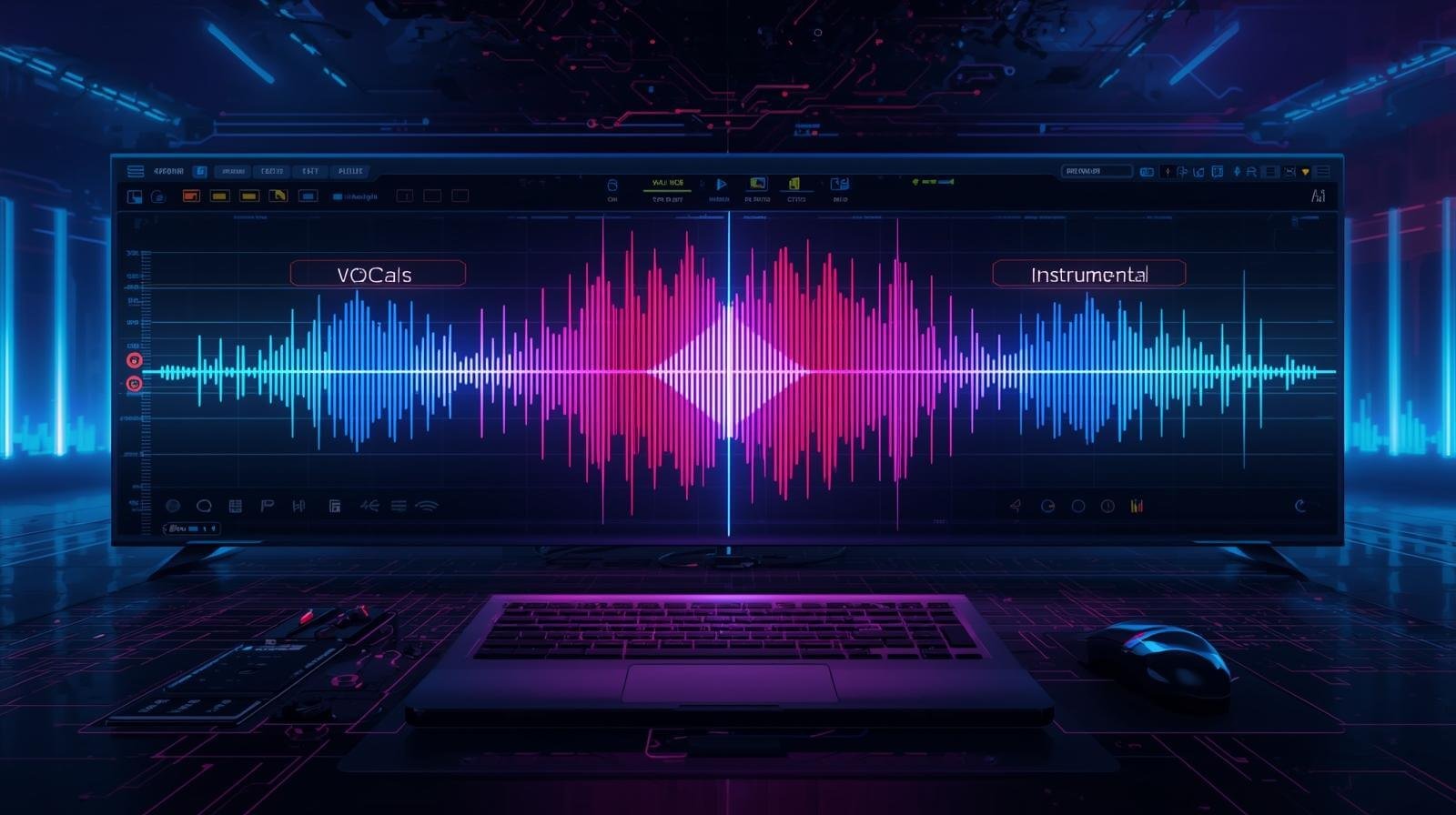
When you remove vocals, you are separating the human voice from the instrumental components. The result is:
- Isolated vocal track
- Instrumental (karaoke) version
This process is powered by AI-based source separation technology.
How to Remove Vocals from Song Online (Step-by-Step)
Here’s how the process works:
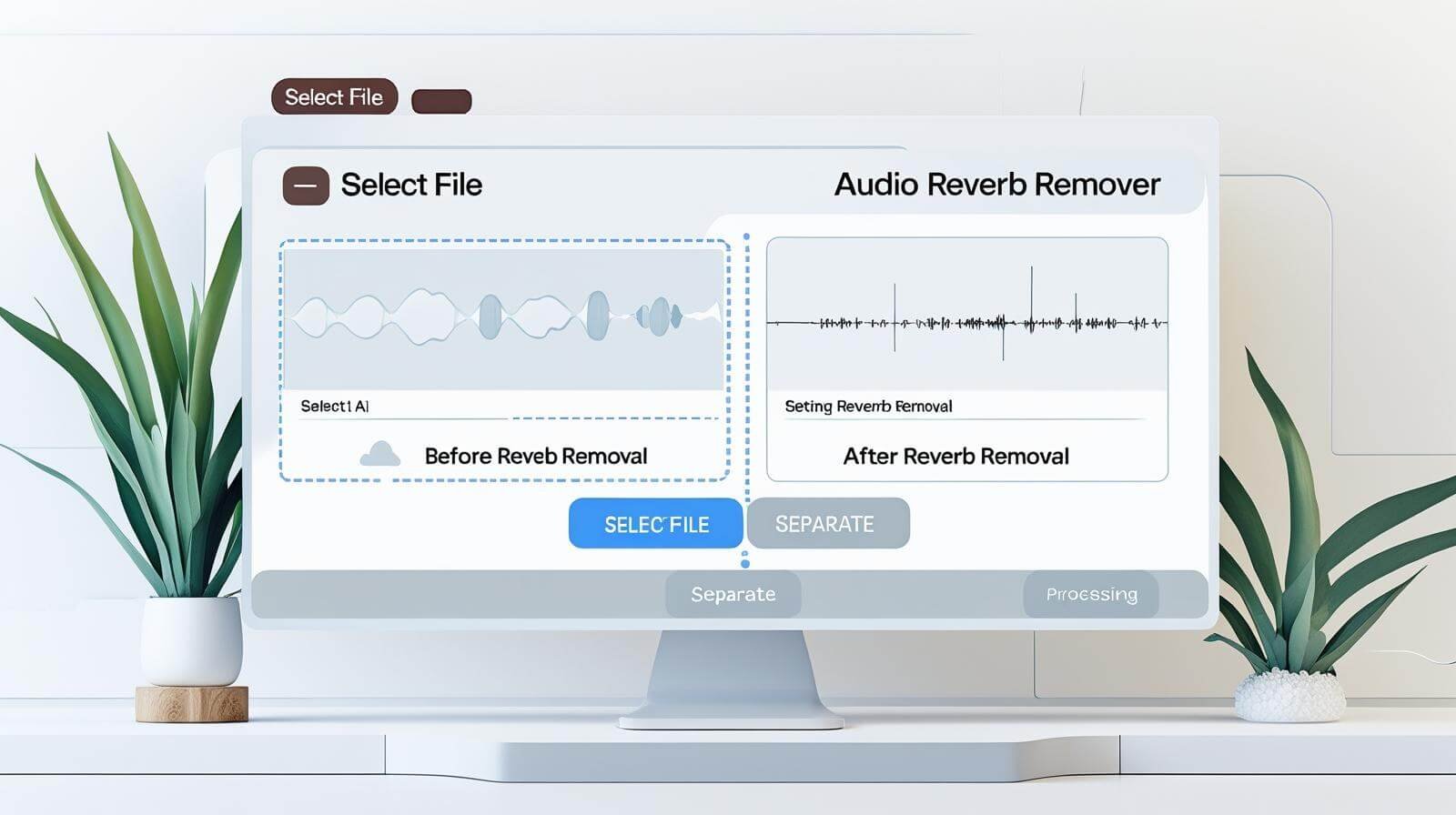
Step 1: Upload Your Song
Select your audio file from your device.
Step 2: AI Analyzes the Audio
The system detects vocal frequencies and distinguishes them from music.
Step 3: Separate Vocals and Instrumental
The AI splits the track into two clean audio files.
Step 4: Download Your Files
You can download:
- Vocal-only track
- Instrumental-only track
If you want fast and accurate separation, you can use our AI Vocal Remover Online tool to remove vocals instantly without installing any software.
Why Use an Online AI Vocal Remover?
There are several benefits:
No Installation Required
Everything runs in your browser.
Fast Processing
Most songs are separated within seconds.
High-Quality Output
Modern AI preserves music clarity.
Beginner-Friendly
No editing skills required.
Common Reasons People Remove Vocals
People use voice remover online tools for many purposes:
- Creating karaoke tracks
- Practicing singing
- Making remix versions
- Background music for videos
- Sampling instrumentals
Content creators and YouTubers frequently need instrumental tracks for copyright-safe usage.
AI vs Traditional Vocal Removal
Traditional vocal removal methods used phase inversion and manual equalization. These techniques often left echoes or damaged the instrumental.
AI vocal removal works differently:
- Deep learning models trained on thousands of songs
- Automatic voice detection
- Clean separation
- Minimal distortion
- AI provides significantly better results than old methods.
Supported Audio Formats
Most online vocal remover tools support:
- MP3
- WAV
- M4A
- FLAC
This flexibility allows users to upload almost any common audio file.
How to Get Better Vocal Removal Results
For best quality:
- Use high-quality audio files
- Avoid heavily compressed songs
- Upload full-length tracks
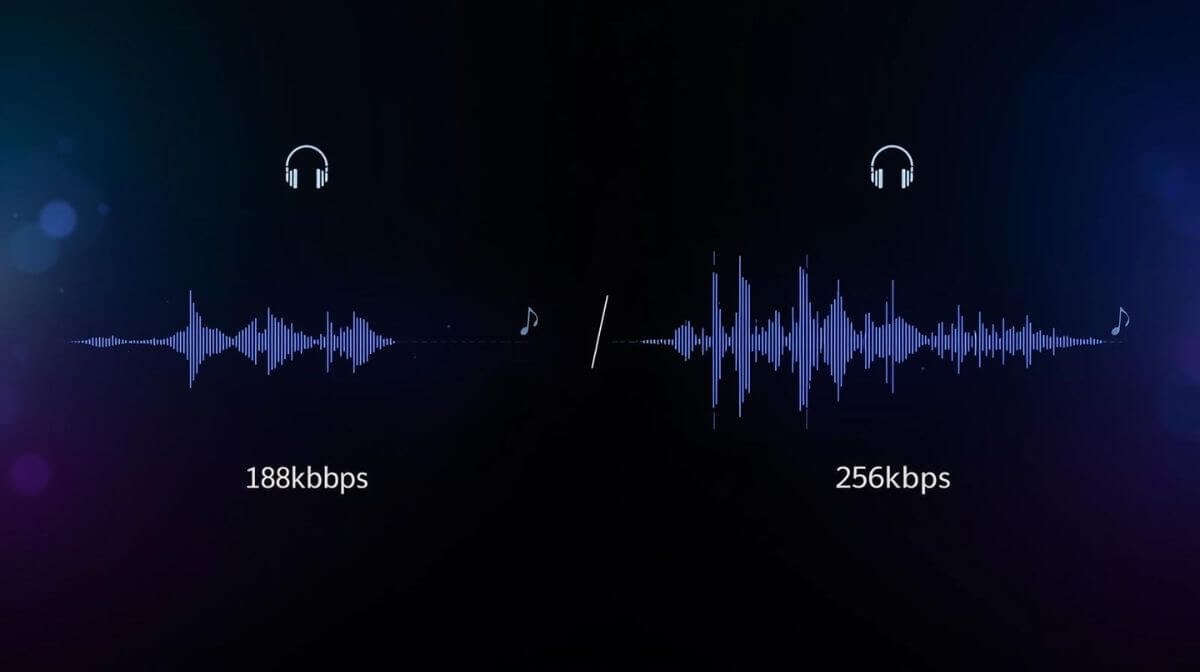
- Choose WAV for higher output quality
Clean input audio improves AI detection accuracy.
Create Karaoke Tracks Online Easily
One of the most popular uses of vocal removal is karaoke creation. After separating vocals, you can download the instrumental version and:
- Add lyrics on screen
- Practice singing
- Perform live
You can instantly create karaoke versions using an advanced AI vocal remover online tool without complex editing software.
Is Removing Vocals Legal?
Vocal removal is legal for:
- Personal use
- Practice sessions
- Private remix experiments
However, redistributing copyrighted instrumental tracks without permission may violate copyright laws. Always ensure you follow proper usage rights.
Why Choose an AI-Based Vocal Remover?
If you’re looking to remove vocals from song online quickly and efficiently, an AI-powered solution offers:
- Instant results
- Clean separation
- Secure file processing
- No technical setup
- You can simply upload your song and let the AI handle the separation automatically.
To experience fast vocal and instrumental separation, try a professional AI Vocal Remover Online tool directly from the homepage and separate tracks in seconds.
Troubleshooting Common Issues
Vocals Are Not Completely Removed
Try using higher quality input audio.
Background Echo Remains
Some songs have layered vocal effects that may slightly remain.
File Upload Error
Ensure the file format is supported and within size limits.
Future of AI Vocal Removal
AI audio separation technology continues to improve every year. In 2026 and beyond, we can expect:
- Even cleaner vocal isolation
- Multi-stem separation (drums, bass, vocals separately)
- Faster real-time processing
Online AI tools are becoming the standard solution for audio editing tasks.
Conclusion
Now, anyone can easily learn how to remove vocals from a song online. Without costly software or technical expertise, AI technology allows you to quickly distinguish between vocals and instrumentals.
Whether you’re practicing vocals, remixing music, or making karaoke tracks, contemporary AI tools deliver dependable, quick, and high-quality results straight from your browser.To experience fast vocal and instrumental separation, try our AI Vocal Remover Online and separate tracks in seconds.
Frequently Asked Questions
How can I remove vocals from song online for free?
You can use an AI vocal remover tool that separates vocals and instrumental tracks automatically after uploading your audio file.
Can I separate vocals and instrumental online?
Yes, modern AI tools allow instant online separation without software installation.
Does removing vocals affect sound quality?
If the original file is high quality, AI tools maintain excellent instrumental clarity.
What is the best way to create karaoke tracks?
The easiest method is using an AI voice remover online tool to extract instrumentals instantly.
How can I remove vocals from song online for free?
You can use an AI vocal remover tool that separates vocals and instrumental tracks automatically after uploading your audio file.
Can I separate vocals and instrumental online?
Yes, modern AI tools allow instant online separation without software installation.
Does removing vocals affect sound quality?
If the original file is high quality, AI tools maintain excellent instrumental clarity.
What is the best way to create karaoke tracks?
The easiest method is using an AI voice remover online tool to extract instrumentals instantly.